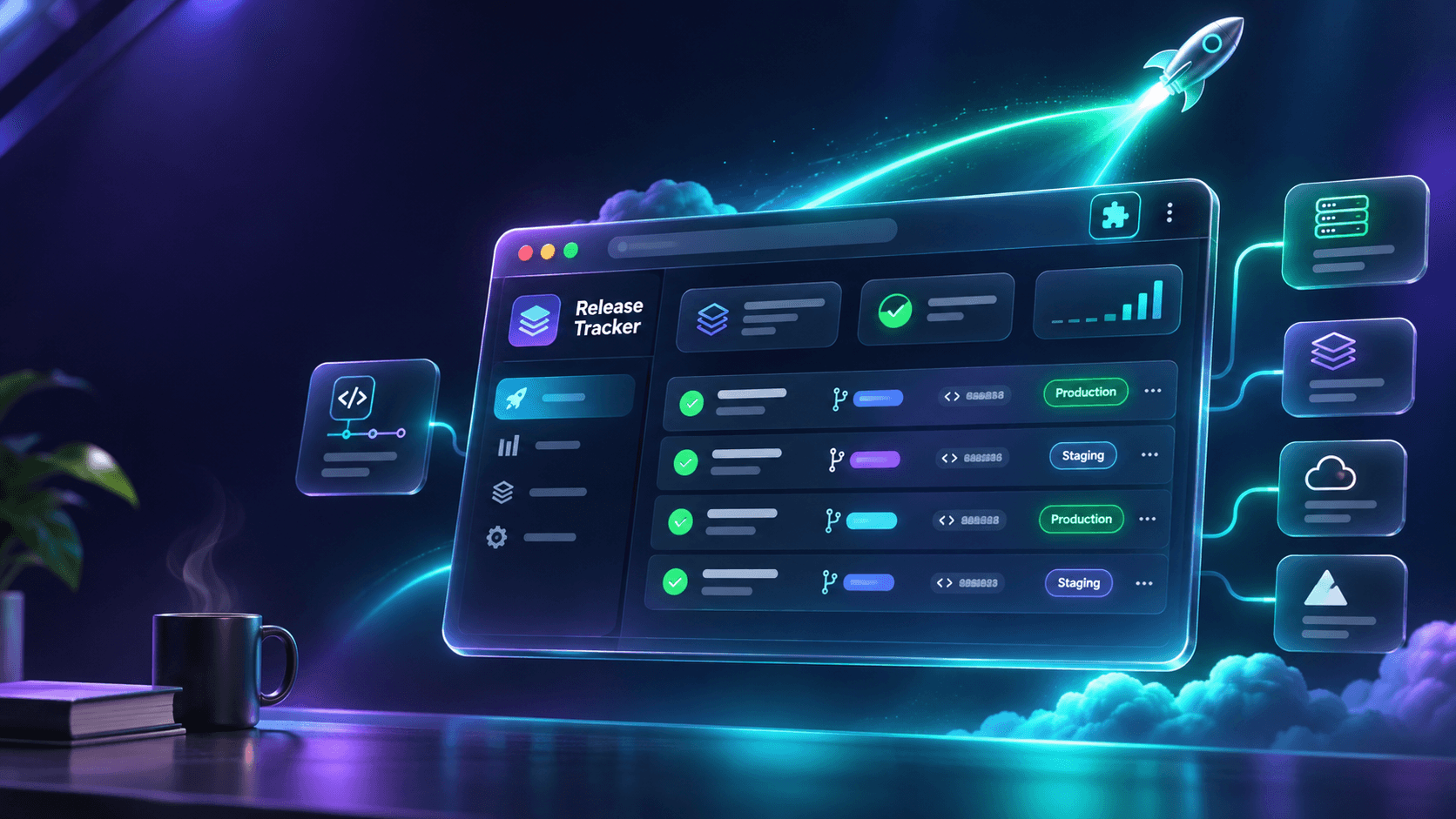

Release Tracker
Deployment clarity, one browser tab away
Release Tracker is live. Welcome to early access.
I'm genuinely happy to share a project I built to answer one deceptively simple question: what is deployed where?
Shipping a product is always a mix of excitement, nerves and a long list of details nobody sees. Seeing it out in the world makes every unseen detail worth it.
Release Tracker began with a problem I kept encountering in real projects. To understand the state of a release, I had to open provider dashboards, GitHub, deployment logs and health endpoints, then assemble the story in my head. Production might be healthy, but was it running the intended commit? What was already in staging? Which pull requests were still waiting to ship?
I wanted one calm, trustworthy view of that story. So I built it as a Chrome extension: close to the browser, quick to open, and able to talk directly to the services a team already uses.
From signal to story
More than a status board
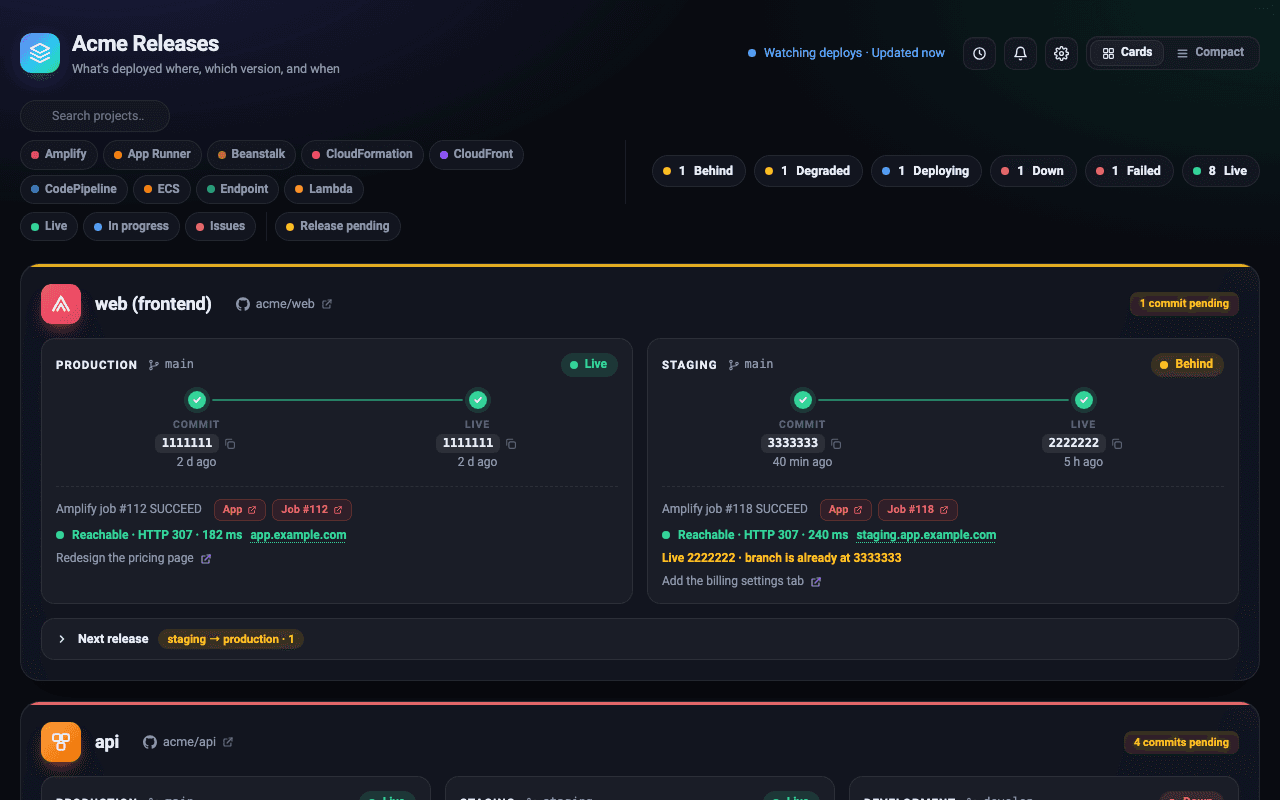
The goal is not to add another dashboard. It is to make the path from commit to production easy to read, so a developer can answer the next question without opening five other tools.
What is live
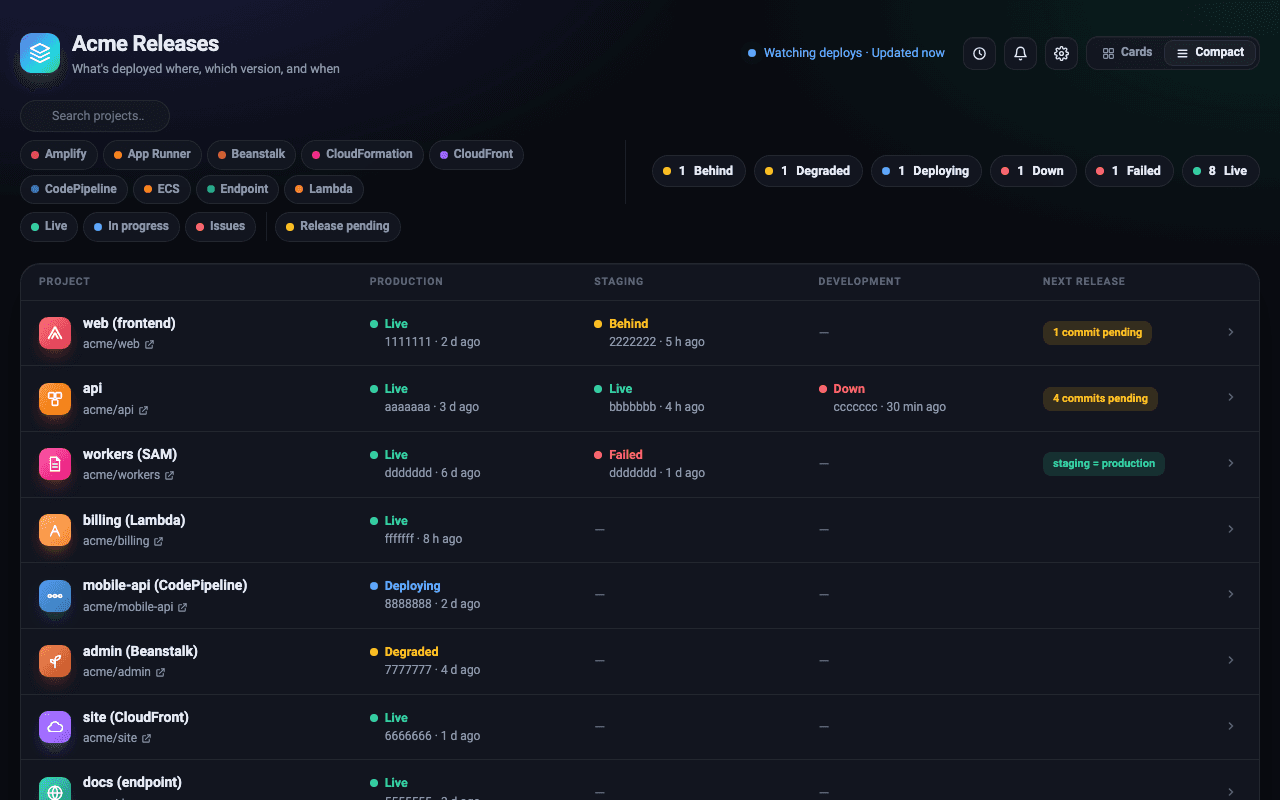
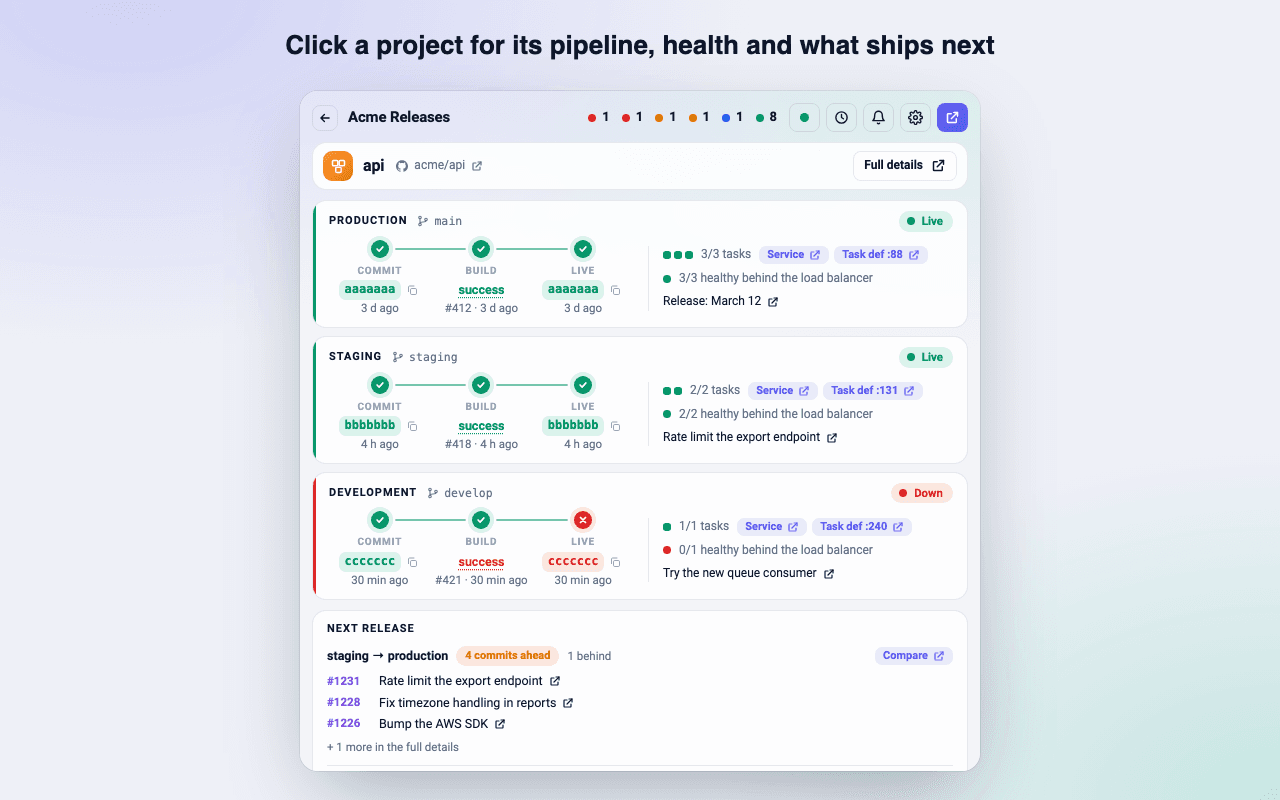
See versions, commits, deployment status and health across Vercel and AWS environments.
What changed
Connect deployments with GitHub builds, commits and pull requests without jumping between tabs.
What ships next
Compare environments and understand which commits and pull requests are still waiting to reach production.
Built to stay close to your data
Release Tracker runs in your browser. It connects directly to Vercel, GitHub, AWS and the endpoints you configure; there is no Release Tracker backend collecting your deployment data. Local history stays local, too.
That architecture took more care, but it reflects the kind of developer tool I wanted to use myself: useful by default, explicit about permissions and honest about where data goes.
Join at the beginning
Install it. Put it to work. Help shape what comes next.
Release Tracker has been live on the Chrome Web Store since November 6. Install it now, connect the tools you already use and see whether it gives your team a clearer picture of every release.
Early access is about learning from real workflows. If you find a rough edge, have a provider you would like to see, or discover a view that saves you time, your feedback can directly influence where the product goes next. The core experience is free, needs no Release Tracker account and is ready now.
“The best part of shipping is when the project stops being only yours and starts becoming useful to someone else.”

Now live
See what is deployed where.
Start with the free dashboard — no card and no Release Tracker account. If it helps your team, or if something gets in the way, I would genuinely like to hear from you.